
WordPress finally gets a more future-ready desk
For years, WordPress has been the reliable workhorse of business websites. WordPress 7.0 "Armstrong" keeps that familiar strength but adds the kind of modern tooling website owners and developers have been waiting for.
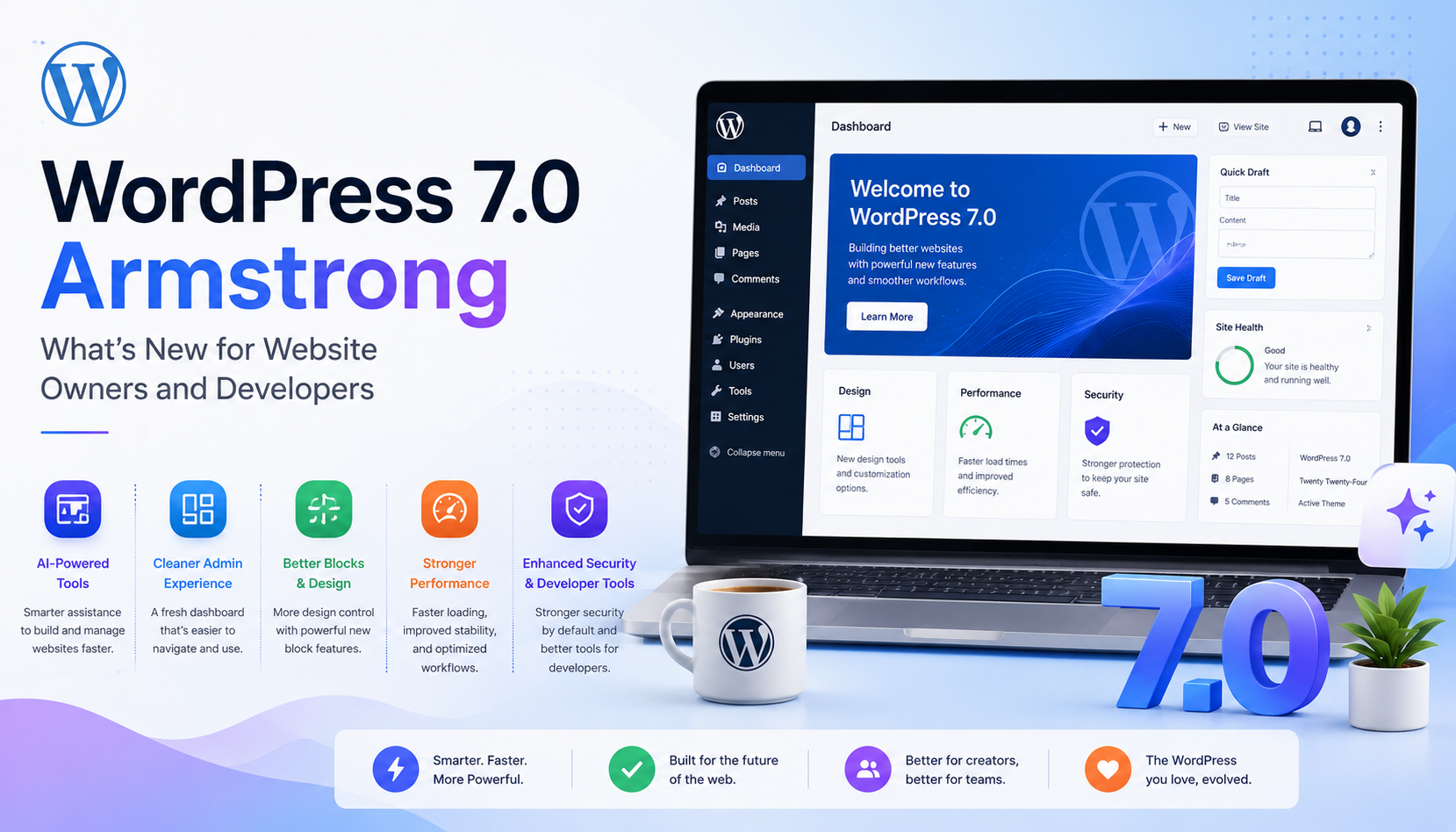
The release focuses on AI abilities, a new admin theme, better blocks and design tools, and a stronger developer toolbox. In plain English: site owners get more control, and developers get cleaner ways to build advanced experiences.
AI abilities move from buzzword to workflow
One of the biggest changes in WordPress 7.0 is the introduction of AI abilities managed from a central hub. This gives WordPress a stronger foundation for AI-powered workflows, instead of treating AI as a random plugin feature sitting in the corner.
For website owners, that can mean smarter content workflows, image support, automation, and faster publishing. For developers, it opens the door to more structured AI integrations through WordPress-native APIs.
A cleaner admin dashboard for everyday users
The new admin theme gives the dashboard a more polished and modern feel. This matters because most business users spend their time managing pages, posts, media, products, plugins, and forms inside the admin area.
A cleaner interface reduces confusion, makes routine tasks easier, and helps non-technical teams manage websites without calling a developer for every tiny update.
Better blocks and design tools for flexible pages
WordPress 7.0 improves creative control with new blocks and design tools. That is useful for service pages, landing pages, blogs, case studies, and content-heavy websites where layouts need to look modern without becoming difficult to maintain.
- ✓ More flexible page-building options
- ✓ Better design control for content teams
- ✓ Useful improvements for landing pages
- ✓ Less dependence on heavy custom edits
Developers get a stronger toolbox
WordPress 7.0 gives developers more control through updates around AI APIs, block registration, DataViews, block bindings, editor UI, design tools, and accessibility. These changes are especially useful for plugin authors, theme developers, and agencies building custom WordPress solutions.
The real benefit is not just "more features." It is better structure. When APIs improve, developers can build cleaner solutions that are easier to maintain over time.
Do not update production like it owes you money
WordPress updates are exciting, but business websites should still be upgraded carefully. A major release can affect plugins, themes, page builders, custom code, checkout flows, forms, and integrations.
- ✓ Take a full website and database backup
- ✓ Test the update on a staging website first
- ✓ Check plugin and theme compatibility
- ✓ Test forms, checkout, SEO, speed, and mobile layout
Final thought
WordPress 7.0 Armstrong is a strong signal of where WordPress is heading: smarter workflows, cleaner admin experiences, better design flexibility, and more powerful developer tools.
Website owners should see this as a good time to review their site health, plugin stack, performance, and upgrade plan. Developers should treat it as a chance to build more modern, AI-ready WordPress experiences.
Start with a staging test, plugin review, backup plan, and full website QA before touching the live site.